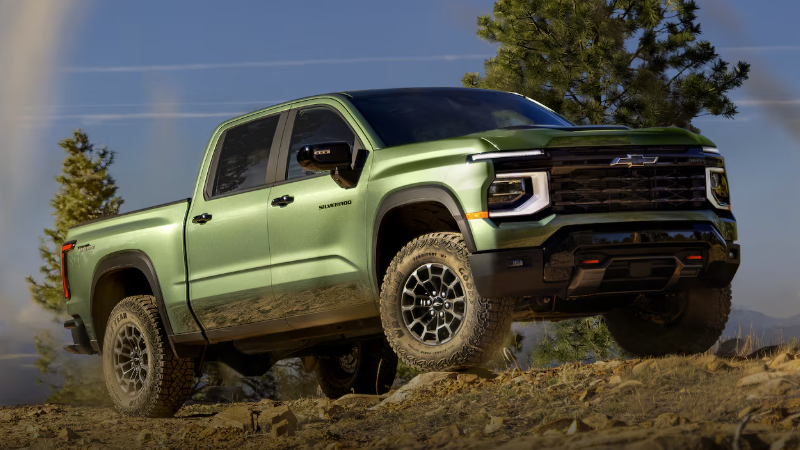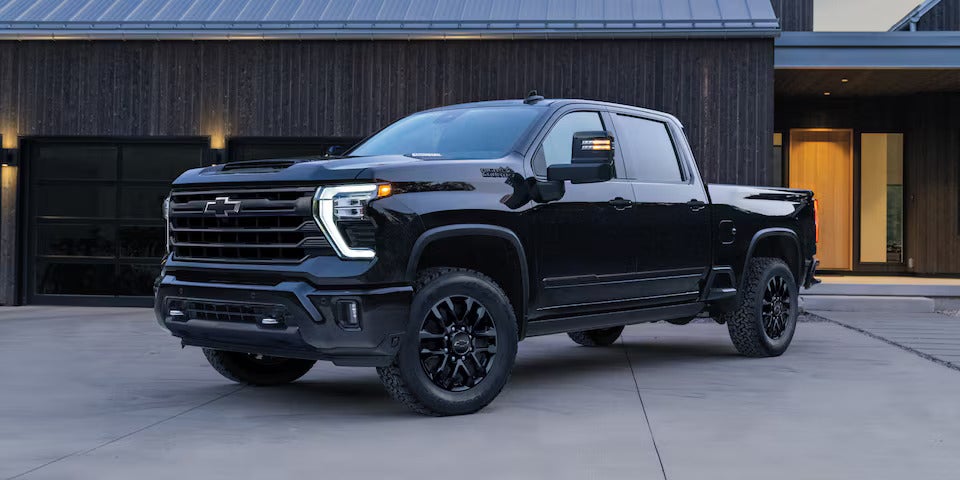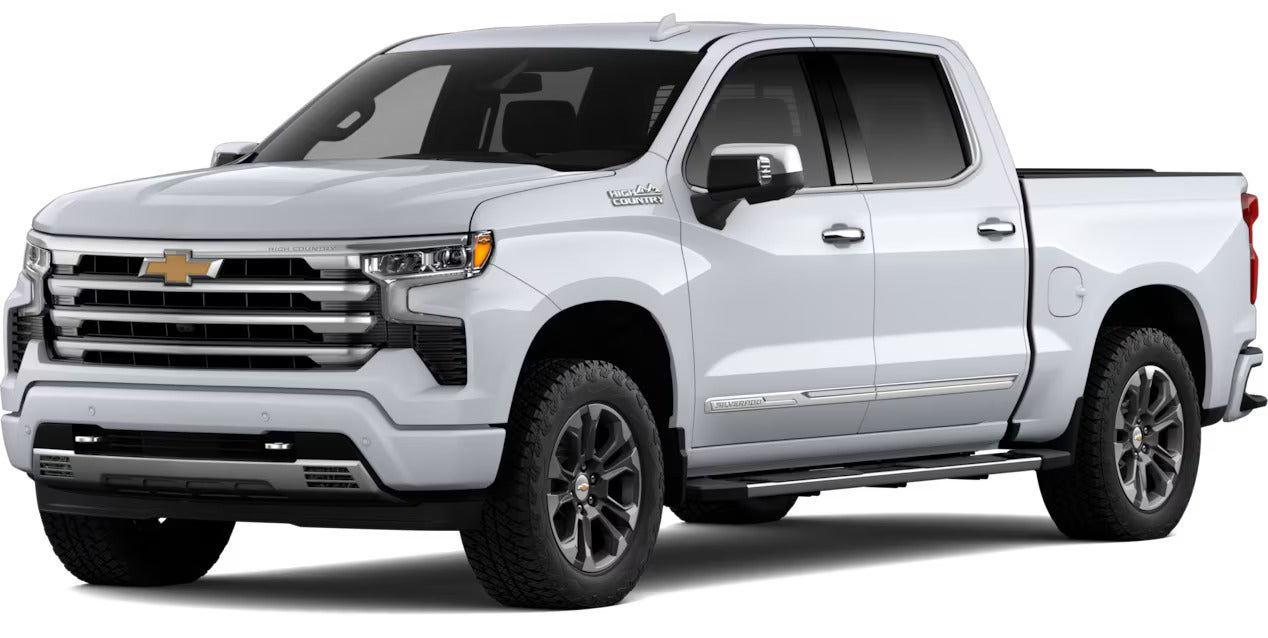




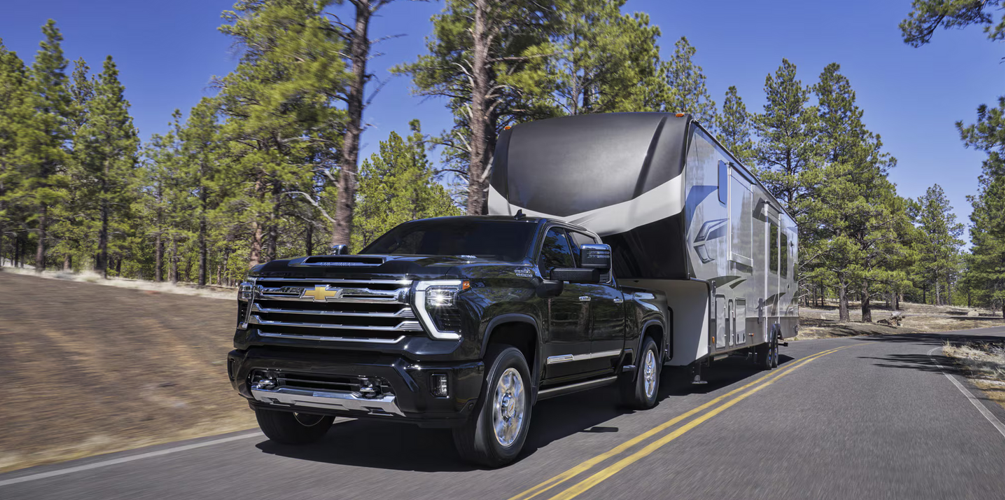
Picture backing a travel trailer into a tight driveway, with a neighbor's mailbox on one side and a fence on the other. That's where Chevrolet Silverado trailering technology earns its keep. Cameras, guidelines and a trailer app help you see and prepare, but you still drive. Whether you're shopping our new inventory or already own a Silverado, here's what each tool does and where availability changes.
Chevrolet Silverado Trailering Technology: What's Available and Why It Varies
2026 Chevrolet Silverado towing tech supports each stage of a trip: preparing the trailer, lining up the hitch, checking connections, and staying aware on the road. These are separate tools, each with its own job. They assist the driver. They can't raise weight ratings or make an unsuitable setup suitable.
Availability depends on model year, trim, installed equipment and package, and some camera views need an accessory camera, so check a specific truck's equipment list and Owner's Manual.
Feature Availability by Trim, Equipment, Model Year and Package
The table below covers 2026 models unless noted.
| Feature | What It Does | Availability Notes | Best For |
|---|---|---|---|
| Hitch Guidance | Overlays a dynamic guideline on the Rear Vision Camera image in Reverse | Standard on 2026 Silverado HD and available on 2026 Silverado 1500. Paired with Hitch View on the 2027 Silverado 1500 Custom. | Lining up the ball and coupler |
| Hitch View | Zoomed close-up of the hitch ball and coupler | Where equipped. Paired with Hitch Guidance on the 2027 Silverado 1500 Custom. | Final alignment near the coupler |
| Transparent Trailer View | Combines the truck's rear camera with a trailer camera so the view appears to show through the trailer | Requires an accessory trailer camera. Silverado 1500: standard on ZR2, LTZ and High Country; available on LT, RST and LT Trail Boss with the Safety Package. 2500 HD: standard on ZR2 and High Country; available on LT and LTZ. 3500 HD: standard on High Country; available on LT and LTZ. | Seeing behind a box-type trailer |
| HD Surround View | Top-down view of the truck's surroundings | Varies by equipment and trim | Tight parking and maneuvering |
| Trailer Side Blind Zone Alert | Lights an amber mirror icon when a moving vehicle is in a blind zone extended to the trailer's length | Available on Silverado 1500, 2500 HD and 3500 HD, depending on equipment | Highway lane changes |
| Tow/Haul Mode | Changes the transmission's shift schedule while towing, with Grade Braking | Standard on Silverado 1500 and Silverado HD | Hills, loads and highway towing |
| In-Vehicle Trailering App | Trailer profiles, checklists, light tests and more | Functions vary by equipment | Organizing trailer prep |
Silverado Hitch Guidance and Hitch View: Line Up Your Trailer With Confidence
Silverado Hitch Guidance and Hitch View help you line up the truck with the trailer, and you still have to connect the trailer yourself. Picture a boat trailer waiting at a Clear Lake ramp lot with people watching. A steady, slow approach beats a rushed one.
How Hitch Guidance Works
Hitch Guidance overlays a dynamic guideline on the Rear Vision Camera image in Reverse. When you select it on the infotainment screen, the usual backing guidelines give way to a single line that bends as the truck turns.
Hitch View, where equipped, zooms in on the ball and coupler, and its icon shows a trailer hitch with a magnifying glass on top.
Using Hitch View Step by Step
Each step applies if equipped:
Shift to Reverse and select Hitch Guidance.
Back slowly, keeping the line over the ball and centered on the coupler.
Near the coupler, select Hitch View.
With the ball under the coupler, shift to Park and apply the parking brake. On some vehicles, shifting to Park in Hitch View applies the Electric Parking Brake automatically.
Check the hitch connection with the camera while driving forward, though some vehicles show camera views only briefly in motion.
Rear Park Assist or Rear Cross Traffic Alert sounds may continue in Hitch View, but their on-screen alerts are not displayed. A camera can't confirm the coupler is seated or the latch is locked. Get out and look, then attach the safety chains and trailer wiring.
Silverado Trailer Camera Views: See the Hitch, Trailer and Surroundings
Silverado trailer camera views make the most sense sorted by task, and you reach them through the Camera icon. Some views time out, and with a trailer connected, some can appear automatically when you signal, if turn-signal activation is turned on in Settings or the In-Vehicle Trailering App. A grayed-out icon means the truck lacks the cameras for that view.
For 2026, Silverado 1500 and Silverado HD offer up to 8 cameras that provide up to 14 views. The 2027 Silverado 1500 offers up to 11 available cameras and 19 views. If you're comparing used trucks, confirm which cameras a specific one actually has.
Key Camera Views for Towing
Chevrolet groups the views into three sets:
Hitch: Hitch View, Rear Top-Down View, Bed View (for fifth-wheel or gooseneck hitching) and Rear Camera View
Driving: Transparent Trailer View, Front Camera View, Pic-in-Pic Side View, Rear Camera Mirror, Rear Trailer View and Inside Trailer View
Parking: HD Surround View, Front Top-Down View, Front Side View and Rear Side View
Transparent Trailer View, Rear Trailer View, Inside Trailer View and Picture-in-Picture/Combined View need an accessory trailer camera. Inside Trailer View lets you monitor trailer contents, which is handy when you're hauling equipment to a Houston job.
Transparent Trailer View, Surround Vision and Trailer Side Blind Zone Alert Where Equipped
Transparent Trailer View combines the truck's rear camera with an accessory camera on the back of the trailer, so the view appears to show through the trailer. It works with compatible trailers and requires entering trailer dimensions and calibrating the camera through the In-Vehicle Trailering App.
Surround View, where equipped, gives a top-down look at your surroundings for parking. Trailer Side Blind Zone Alert, where equipped, lights an amber icon in the outside mirror when a moving vehicle is detected in a blind zone extended to the trailer's length. With a trailer attached, you must activate Lane Change Alert in vehicle Settings to turn it on. Some vehicles use default trailer dimensions because they don't let you enter them.
A camera shows you a picture, and an alert only warns you. Neither replaces your mirrors or your judgment on a busy I-45 merge.
Tow/Haul Mode on the Chevy Silverado: What It Does and When to Use It
Tow/Haul Mode on the Chevy Silverado changes the automatic transmission's shift schedule to reduce gear hunting while towing, holding lower gears longer for more torque. With Tow/Haul on, Grade Braking uses the engine and transmission to help maintain speed on downhill grades.
Imagine hauling a boat to Galveston in summer stop-and-go traffic. Constant shifting is exactly what this mode is meant to calm. It won't raise towing capacity or fix poor load distribution, and it can't make up for trailer brakes that don't work.
How to Turn On Tow/Haul Mode and Mistakes to Avoid
On vehicles with the mode, use the Traction Select System button bank to the left of the steering wheel.
The control can vary by vehicle. Depending on the truck, it may be a dial, a knob, a button, or the center-display Drive Mode app.
Confirm it's on by checking the instrument-cluster indicator or the illuminated button.
If no mode is selected, the truck stays in Tour/Normal Mode, so don't assume Tow/Haul is on. A Tow/Haul Mode Reminder can prompt you when a trailer is detected, but you still have to engage it.
In-Vehicle Trailering App: Trailer Profiles, Light Tests and Pre-Departure Checklist
The In-Vehicle Trailering App opens from the Trailering icon on the center display and, depending on equipment, supports trip planning, pre-departure checklists, trailer tire-pressure monitoring and camera-view support.
You can store up to five profiles, each saving mileage, maintenance reminders, the last-used brake-gain setting and custom checklists. Guest-profile information isn't saved after the vehicle shuts off, and syncing or importing profiles requires an OnStar plan.
The app's checklists walk you through connecting a trailer, vary by hitch type, expand to show examples and some diagrams, and accept custom items. The trailer-light test runs the lights in sequence so you can inspect them from outside, but it may not start or may stop early if the vehicle isn't in Park, the vehicle is off, the brake is applied, the hazards are on or a turn signal is active. Trailer tire pressure and temperature monitoring covers up to six trailer tires and requires GM-specific sensors in each one.
Build your routine around these checks:
Hitch connection is seated, latched, and physically inspected.
Safety chains are attached correctly.
Tire pressure is checked on the truck and trailer.
Lights are working, and you've watched them during the light test.
Brake controller is set and the brakes respond.
Mirrors are adjusted to see past the trailer.
Load is distributed and secured.
If a tire, brake, or hitch part looks worn, our service center can take a look before your trip. The app helps you prepare, but you still need to inspect the truck and trailer yourself.
Safe Towing Practices Still Come First, Even With Good Technology
Cameras and driver-assistance features don't replace your responsibility to drive safely and stay attentive, and poor visibility, weather and road conditions can affect how they perform. Safe trailering still comes down to a properly equipped truck and trailer, proper loading, safe driving, legal compliance, and following the break-in and maintenance schedules.
Chevrolet's 2026 Trailering Guide recommends one vehicle-and-trailer length of following distance for every 10 mph, so allow extra merging room and stopping distance on the Pasadena Freeway or I-45. Before a steep descent, slow down and shift to a lower gear.
If the trailer begins to sway:
Hold the steering wheel steady.
Release the accelerator without touching the brake pedal.
Manually apply the trailer's electric brakes if equipped until the sway stops.
Use the vehicle brakes to come to a complete stop.
Compare Silverado Towing Technology in Houston at Monument Chevrolet
Start with your actual trailer when you compare Silverado towing technology in Houston. Browse our new Silverado 1500 models, then compare each truck's installed packages, cameras and accessory-camera needs.
Matching Trailering Equipment to Your Trailer
A truck with great cameras still needs the right ratings and hitch hardware for your trailer, and Chevrolet's trailering and towing guide covers ratings by model and year. When you visit, bring your trailer specs and ask:
Which cameras are fitted, and which need an accessory trailer camera?
Does this truck have Hitch Guidance, Hitch View or Transparent Trailer View?
Is Trailer Side Blind Zone Alert equipped?
Is a trailer brake controller installed?
A demonstration helps you learn the screens, and the truck's trailering label and Owner's Manual confirm its ratings.
Browse Silverado Inventory and Visit Monument Chevrolet
Ready to see these features in person? Pick a few trucks, ask us to confirm each one's trailering equipment, then come in.
Contact our team or call sales at 713-581-8123, and before your next big haul, schedule service so your truck is ready. Find us at 3940 Pasadena Fwy in Pasadena.