



Blog / Car Maintenance Tips

Blog

All Car Maintenance Tips New Chevrolet Local Comparison Monument Chevrolet Service Silverado Pasadena Chevrolet Dealer Pasadena Chevrolet Service Pasadena Used Cars Used Chevrolet Used Car Buying Tips Commercial
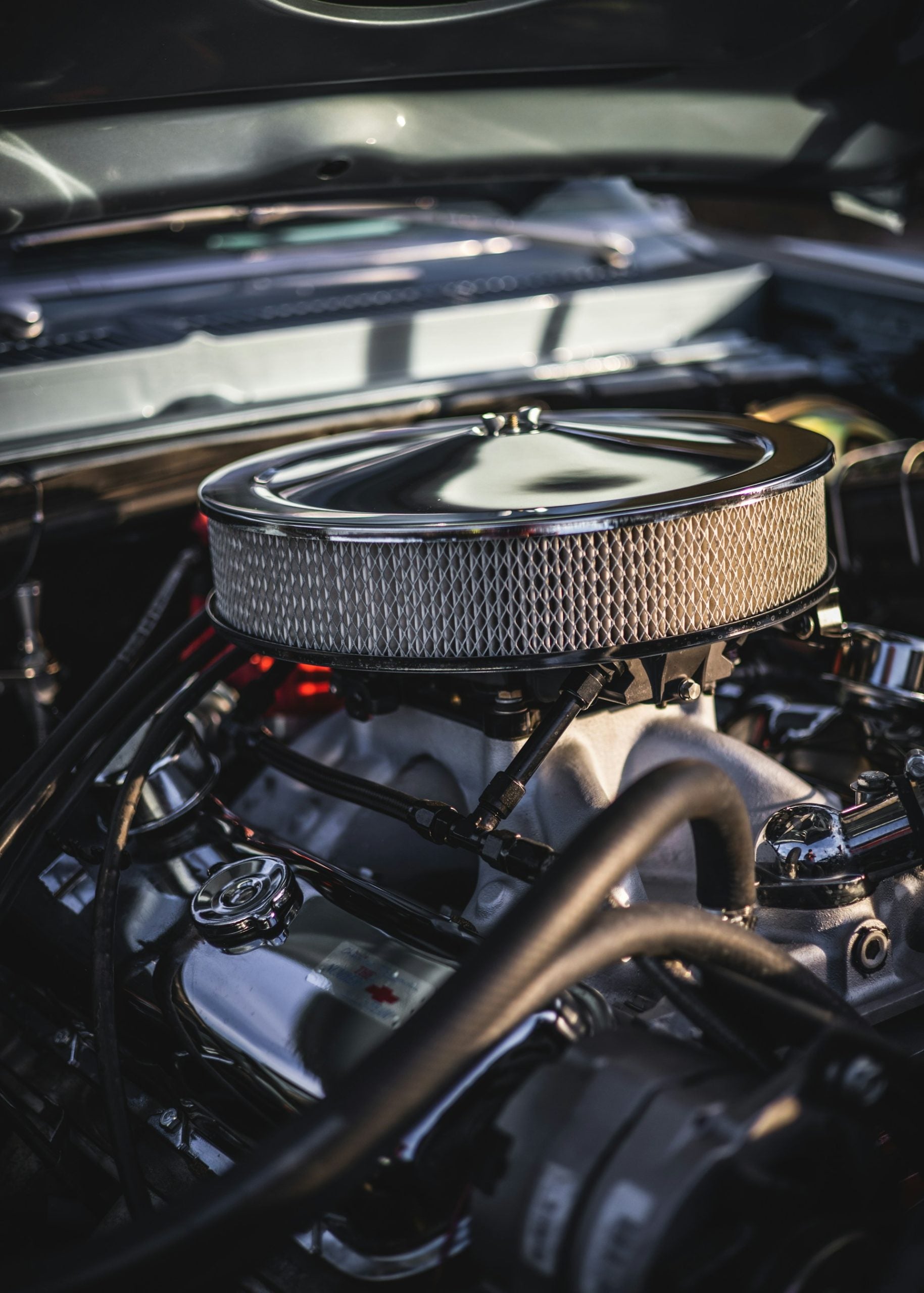
Chevy car engine

Why Is My Car Revving in Park?

You're sitting in your driveway, engine running, and the RPM needle keeps climbing or bouncing without warning. Your foot isn't near the pedal, the car's in park, and yet the engine sounds like it's working harder than it should. This happens to plenty of drivers, and while it can look minor at first, figuring out the cause now can save you from a bigger repair bill later. If you'd rather skip the guesswork, you can schedule a service appointment with our certified team. What Does It Mean When Your Car Revs in Park? Idle speed is how fast your engine runs while it's on but the car isn't moving. When everything's working correctly, that idle feels smooth and steady. Once your car starts revving out of nowhere while parked, the engine is flagging a problem with airflow, fuel delivery, or the electronics managing both. Normal Idle RPM vs. Abnormal Revving Most engines idle between 600 and 1,000 RPM under normal conditions. A brief spike right after starting a cold engine is expected, since it needs a minute to warm up. Once the engine reaches operating temperature, idle speed should settle into that normal range. Abnormal revving looks different: a stubborn high idle, a surging pattern where RPMs climb and fall repeatedly, or a needle that jumps around with no real pattern. Any of these points to a mechanical or electronic issue rather than normal warm-up. Is It Safe to Keep Driving? It depends on severity. A mild high idle on a cold morning probably won't leave you stranded. But persistent or erratic revving can affect how the transmission behaves when you shift into drive, hurt fuel economy, and strain engine parts unnecessarily. It can also mask worse issues that get pricier to fix the longer they're ignored. If the revving is severe, comes with warning lights, or feels unstable, get it checked before racking up more miles. Common Causes of Car Revving in Park Several systems work together to keep your engine idling smoothly, and a failure in any one of them can cause unwanted revving. Some fixes are simple. Others require real diagnostic work. Cause Common Symptoms DIY or Pro Fix Urgency Level Vacuum leak Hissing, rough or high idle DIY (inspect/replace hoses) or pro (smoke test) Moderate Dirty throttle body Hunting idle, RPM swings DIY cleaning possible Low to moderate Failing IAC valve Idle too high, too low, or hunting Pro repair Moderate Faulty sensor (MAF, TPS, coolant temp) Erratic idle, poor fuel trim Pro diagnosis Moderate Clogged air filter Rough idle, sluggish acceleration DIY replacement Low Fuel delivery issue Surging idle, uneven running Pro diagnosis Moderate to high Bad ground/electrical Confusing, code-free symptoms Pro diagnosis Moderate PCM/transmission glitch Unpredictable idle, shift issues Pro diagnosis High Vacuum Leaks Your engine runs on a precise air-fuel mix, and vacuum hoses help distribute it. When a hose cracks, disconnects, or wears out, unmetered air sneaks into the engine, throwing off the fuel mixture and pushing RPMs up erratically. This is one of the most common causes of high or surging idle, and it often shows up as hissing under the hood near old rubber hoses along the intake manifold. Dirty or Faulty Throttle Body The throttle body controls how much air enters the engine. Over time, carbon builds up on the throttle plate and bore, making it harder for the engine control unit to hold a steady idle. A dirty throttle body typically causes a hunting idle, where RPMs swing between higher and lower instead of settling. Failing IAC Valve The valve that controls idle airflow, called the Idle Air Control (IAC) valve, adjusts a small bypass channel that lets air around the closed throttle plate. When it sticks or gets gunked up, the engine can't hold a consistent idle. You might notice RPMs hunting up and down, or idle sitting too high or too low depending on exactly how the valve is stuck. Faulty Sensors (MAF, TPS, Coolant Temp) Modern engines rely on sensors feeding real-time data to the engine control unit. The Mass Air Flow (MAF) sensor measures incoming air, and a bad reading throws off the fuel injection response. The Throttle Position Sensor (TPS) tells the computer where the throttle plate sits, and a faulty signal can trick the engine into thinking the gas is pressed when it isn't. The coolant temperature sensor helps adjust idle speed based on engine warmth, so a bad reading can keep idle elevated long after the engine has warmed up. In Pasadena, TX and the Greater Houston area, heat and dust can accelerate sensor wear and grime buildup, making these issues show up sooner than in milder climates. Clogged Air Filter A badly restricted air filter can throw off airflow enough to cause rough or elevated idling, though it's more commonly known for sluggish acceleration. Dusty local driving conditions can clog filters faster than expected, and this is one of the easiest and cheapest things to check yourself. Fuel Delivery Problems If the fuel pressure regulator, injectors, or pump aren't delivering fuel consistently, the engine compensates with RPM swings. Dirty or leaking injectors can starve or flood individual cylinders, and weak fuel pressure from an aging pump causes similar symptoms, often as a surging idle under light load. Bad Ground Connections and Electrical Issues A corroded or loose ground connection can send sensors bad voltage readings, which the engine control unit misreads, leading to odd idle patterns. Wiring problems and failing relays can cause similarly confusing symptoms, sometimes without ever triggering a clear fault code. Transmission or PCM Software Glitches Sometimes there's nothing mechanical going on at all. The Powertrain Control Module (PCM) runs the show for both engine and transmission, and if its software glitches or its calibration drifts, it can send bad commands to the systems controlling idle speed. Transmission issues can also affect idle behavior in park, especially if the torque converter or transmission solenoids are involved. If the idle problem shows up alongside odd shifting, don't put off getting it looked at, a PCM or transmission issue tends to get more expensive the longer it sits. How to Diagnose the Problem Finding the exact cause takes a methodical approach. Some problems are obvious right away. Others need digging. Quick Symptom-to-Cause Reference RPM that climbs and falls in a rhythmic pattern usually points to a vacuum leak or an IAC valve. Idle that stays high even after the engine's warmed up suggests a coolant temp sensor or a stuck IAC valve. When idle jumps around with no real pattern, check the sensors or electrical grounds. Rough idle combined with sluggish acceleration is worth checking against the air filter. And if idle trouble shows up alongside shifting oddities, look at the PCM or transmission. Quick At-Home Checks Before booking a service appointment, a few things are worth checking yourself. Look over the vacuum hoses near the intake for cracks, splits, or loose ends. Pull the air filter and hold it up to a light; if it's dark and clogged, swap it out. Listen near the engine for hissing, which usually means air is escaping through a vacuum leak. None of this takes more than a few minutes, and sometimes it's enough to spot the problem right away. When You Need a Diagnostic Scan Tool If the visual checks come up empty, hooking up an OBD2 scan tool is the next move. It reads fault codes stored in the PCM and shows live sensor data such as MAF readings, throttle position, coolant temperature, and fuel trim values. High positive fuel trim, for example, tells you the engine is compensating for a lean condition, which usually traces back to a vacuum leak or a MAF sensor problem. Our technicians use professional-grade diagnostic scan tools, along with smoke tests for hidden vacuum leaks and a multimeter to check sensor voltage, to track down sensor and PCM issues with more precision than a basic code read provides. Fixing a Car That Revs in Park Once you've narrowed down the cause, some fixes are simple enough for a confident DIYer. Others need a certified technician with the right tools. DIY Fixes Worth Trying Cleaning the throttle body is a solid DIY move. Throttle body cleaner and a soft cloth or brush can strip carbon off the plate and bore, often fixing a surging idle without buying a part. Swapping a clogged air filter is just as easy and inexpensive. A cracked or disconnected vacuum hose is usually quick and cheap to replace. Cleaning ground connections near the battery and engine block can also resolve electrical idle issues without a shop visit. Repairs Best Left to a Professional Replacing an IAC valve, diagnosing a failing fuel pressure regulator, recalibrating a MAF sensor, or reflashing PCM software all call for specialized tools and experience. Trying these without the right background risks making things worse. Electrical diagnosis especially can eat up hours even for seasoned technicians, and guessing at wiring repairs rarely pays off. If your at-home checks don't resolve it, or the problem involves sensors, transmission control, or the fuel system, it's time to let a professional take over. Visit Monument Chevrolet for Expert Diagnosis and Repair If your car keeps revving in park after you've done your own checks, our team at Monument Chevrolet can take it from there. This family-owned dealership has served the Greater Houston area for over 50 years, built on honest, customer-focused service that carries through to our service center. Why Choose Our Service Center Our certified service center relies on factory-trained technicians, genuine parts, and professional-grade diagnostic equipment to figure out exactly what's causing your idle issue. Whether it turns out to be a vacuum leak, a failing sensor, a stuck IAC valve, or a PCM software update, our technicians have seen it on these vehicles before. Schedule Your Visit Booking a service appointment is simple through our online system, and our campus-style facility in Pasadena, TX keeps the process easy and low-stress. Contact us or learn more about our auto repair services in Pasadena, TX to get started. Frequently Asked Questions Why does my RPM go up and down while parked? This usually points to a vacuum leak, a failing IAC valve, or a sensor sending inconsistent data to the engine control unit. The pattern of the surge often narrows down the likely cause. Can a vacuum leak cause high revs? Yes. A vacuum leak lets unmetered air into the engine, throwing off the air-fuel mixture and often causing a high or surging idle. Hissing under the hood is a common sign. Is it safe to drive with a high idle? Short drives are usually fine without immediate danger, but it's not something to ignore. A high or erratic idle can affect shift behavior in automatic transmissions and tends to worsen the longer it sits unaddressed. What's the first thing I should check? Start with a visual inspection of the vacuum hoses and the air filter. These are the easiest and cheapest things to rule out before moving to sensors or electrical components. Can bad grounds cause revving issues? Yes. A corroded or loose ground connection can send sensors incorrect voltage readings, which the engine control unit misreads as a mechanical problem, leading to odd idle behavior that doesn't always trigger a fault code. Photo by blayne spires on Unsplash

car battery extreme heat

Can extreme heat kill a car battery in Texas?

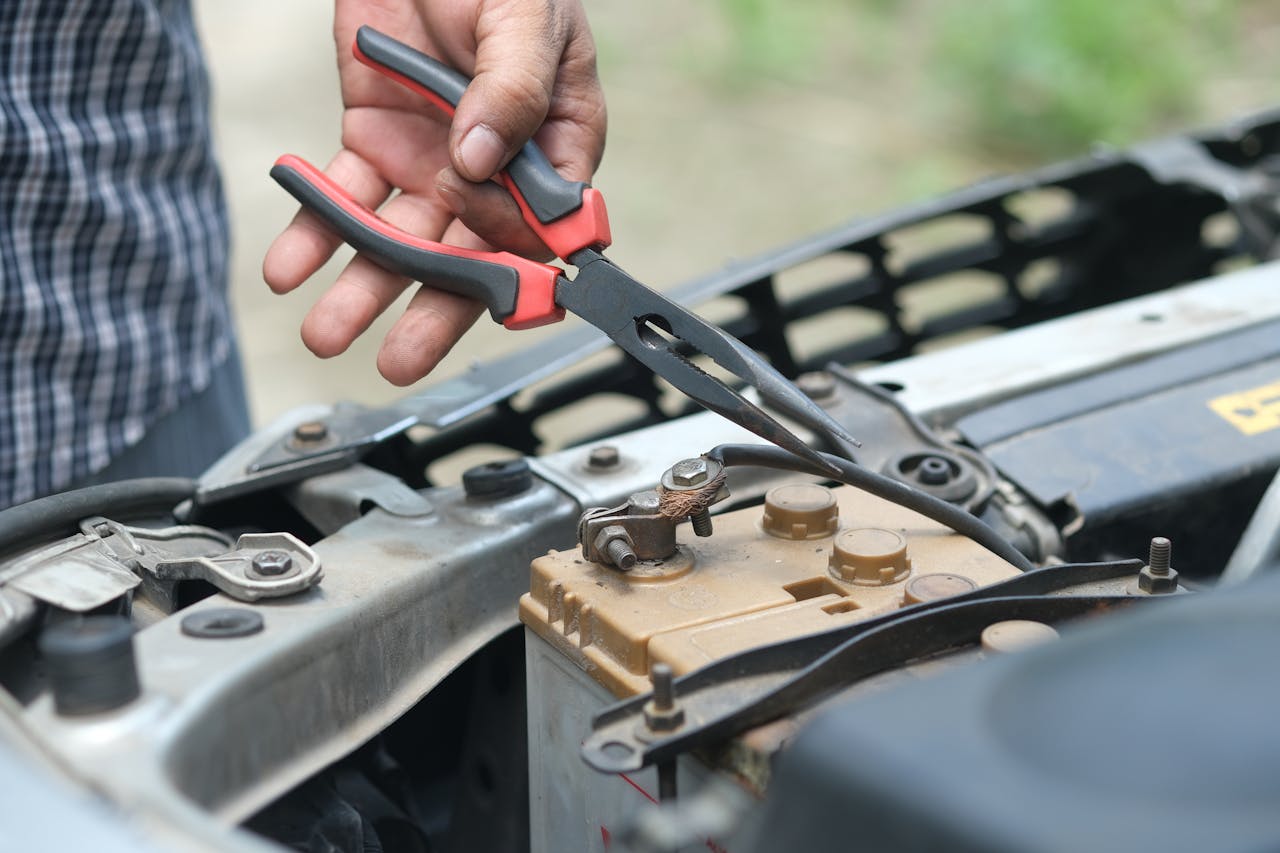
Car Battery Replacement Your car starts perfectly on a mild spring morning, but come August in Texas, you're suddenly stuck in a parking lot with a dead battery. This isn't just bad luck. Extreme heat silently attacks your battery's internal components, accelerating chemical reactions and evaporating critical fluids faster than you might imagine. Understanding how extreme heat can kill your car battery helps you protect your vehicle and avoid those frustrating breakdowns during the hottest months of the year. At Monument Chevrolet, we've seen firsthand how southeast Texas summers take their toll on batteries. We're here to help you recognize the warning signs early and keep your vehicle reliable year-round. If you're concerned about your battery's health, schedule an inspection at our Chevy service center or call us at 832-369-8298. Why Extreme Heat Is Your Car Battery's Worst Enemy in Texas Texas summers don't just push car batteries to their limits, they destroy them. When temperatures climb above 100 degrees, your battery faces conditions that dramatically speed up its natural aging process. Under-hood temperatures in our Greater Houston area routinely exceed 140°F, creating a hostile environment where key components start failing. Heat turbocharges the battery degradation process in ways you can't see. The electrolyte solution inside your battery evaporates faster and faster, reducing the fluid levels needed for proper operation. This evaporation compounds every single day during our extended summer season. Your battery might seem fine today, but each blazing afternoon chips away at its lifespan. Things get particularly nasty during peak summer months when you depend on your vehicle most. Your air conditioning puts extra strain on an already stressed battery. It's a perfect storm of high demand meeting declining capacity. Most drivers have no clue their battery is struggling until they're completely stranded. How High Temperatures Damage Your Car Battery Your battery's internal chemistry operates within specific temperature ranges for good reason. When heat damages car battery components, it starts with the fundamental processes that create power. High temperatures cause the chemical reactions inside your battery to speed up significantly, leading to faster discharge rates and reduced efficiency. This accelerated activity triggers a cascade of problems throughout the battery. The rapid chemical reactions generate additional heat internally, which intensifies the damage even more. Your battery works harder to perform the same functions, wearing itself out faster with each cycle. The physical structure suffers too, with excessive heat causing the casing to swell and terminals to corrode more quickly. Corrosion becomes especially troublesome because it disrupts the electrical connections your vehicle depends on. Even minor corrosion creates resistance that prevents your battery from delivering full power when you need it. Accelerated Chemical Reactions and Internal Corrosion Heat acts as a catalyst for the chemical reactions that let your battery function. Sure, these reactions are necessary, but excessive speed causes them to consume the battery's materials faster than intended. The lead plates inside your battery take the biggest hit from this accelerated activity. As reactions speed up, internal corrosion attacks these plates more aggressively. This corrosion causes structural damage that can't be reversed. The corroded plates gradually lose their ability to hold and transfer charge effectively, diminishing your battery's capacity even when everything looks fine on the outside. The damage snowballs because heat-induced corrosion creates resistance within the battery's internal structure. This resistance forces the battery to work even harder to deliver the same power output, creating more heat and feeding a destructive cycle. Electrolyte Evaporation and Grid Deterioration One of the most serious heat-related issues involves the electrolyte solution. This fluid serves as the medium through which chemical reactions occur. Maintaining proper levels is essential for battery function. As temperatures climb, the electrolyte evaporates at rates that far exceed normal conditions. When fluid levels drop, the lead plates become partially exposed to air. This exposure dramatically accelerates oxidation and corrosion. The grid structure supporting these plates starts deteriorating as protective fluid levels decline. Once this deterioration begins, the battery's capacity drops noticeably. Grid deterioration represents one of the most serious forms of heat damage because it's usually irreversible. The exposed and corroded sections lose their structural integrity, creating weak points throughout the battery. You can add water to maintenance-accessible batteries, but the damage to the grid structure remains. Heat vs. Cold: Which Really Kills Batteries Faster? Many people think cold weather poses the biggest threat to car batteries, but this common belief misses the real story. Cold temperatures can make starting difficult, but they don't accelerate the aging process like extreme heat does. Cold simply reveals weaknesses that already exist, while heat actively creates those weaknesses over time. The data clearly shows batteries die faster in heat. High temperatures increase the rate of internal chemical reactions by roughly double for every 18 degrees Fahrenheit increase. This means your battery ages twice as fast at 95 degrees compared to 77 degrees. Cold temperatures actually slow these reactions, preserving battery life even though they reduce available cranking power temporarily. Here's how heat and cold compare in their impact on your battery: Factor Heat Impact Cold Impact Lifespan Reduction 30 months average in hot climates vs. 50-60 months in cooler areas Strains cranking power but causes less permanent damage Mechanism Accelerates chemical reactions, electrolyte evaporation, internal corrosion Reduces power temporarily; at 32°F, battery delivers ~65% capacity Texas Relevance Primary cause of failure; under-hood temps reach 140°F Rare cold snaps; minimal overall impact Summer heat weakens your battery's internal structure throughout the season, setting it up for failure when winter arrives. A battery damaged by months of Texas heat lacks the reserve capacity to handle cold-weather starting demands. This explains why many battery failures occur during the first cold snap of winter, even though the heat did most of the damage months earlier. Warning Signs Your Battery Is Heat-Damaged Recognizing when battery overheating affects performance helps you avoid unexpected breakdowns. The most obvious sign is difficulty starting your vehicle, especially if the engine cranks more slowly than usual. This sluggish starting often happens first thing in the morning when the battery has had time to cool slightly overnight. Visual inspection reveals important clues about battery health. Check your battery terminals for white, blue, or greenish corrosion buildup. Some corrosion is normal over time, but excessive buildup indicates problems accelerated by heat. A swollen or bloated battery case clearly signals that internal damage has occurred due to prolonged exposure to high temperatures. Pay attention to your battery's fluid level if you have a maintenance-accessible model. Low or evaporated fluid clearly indicates heat damage and requires immediate attention. You might also notice your battery feels unusually hot to the touch after driving, which suggests internal resistance problems. Catching these warning signs early can prevent complete failure at an inconvenient time. How to Protect Your Car Battery From Texas Heat Taking proactive steps to shield your battery from extreme temperatures significantly extends its service life. The strategies don't require expensive equipment or complex procedures, just consistent attention to where you park and how you maintain your vehicle. Location matters more than most drivers realize. Parking in shaded areas whenever possible keeps your entire engine compartment cooler, reducing the thermal stress on your battery. Garages offer even better protection by maintaining more stable temperatures throughout the day. Even a few degrees of temperature reduction adds up over weeks and months, meaningfully extending battery life. Regular maintenance forms your second line of defense against heat damage. Keeping battery terminals clean and connections tight reduces resistance that generates additional heat. Checking fluid levels in accessible batteries and topping them off with distilled water prevents the grid exposure that accelerates deterioration. Smart Parking and Maintenance Practices Strategic parking decisions create a cooler environment for your battery at no cost. Seek out covered parking structures, tree shade, or building shadows when available. If you must park in direct sun, consider using a reflective windshield cover that helps reduce interior temperatures. Battery insulation products designed specifically for hot climates offer another protection option. These thermal shields reflect heat away from the battery casing while still allowing necessary ventilation. Combined with regular terminal cleaning and inspection, this creates a maintenance routine that addresses the most common heat-related problems before they cause failures. We recommend having your battery tested proactively to get advance warning of developing issues. Our technicians at Monument Chevrolet offer free battery testing that measures cranking amps and overall condition. Schedule a battery inspection every six months to stay ahead of potential problems. Call us at 832-369-8298, and we're available Monday through Friday, 7 AM to 10 PM. Driving Habits That Reduce Battery Stress How you drive affects your battery's health more than you'd expect. Short trips that don't allow your alternator adequate time to recharge the battery create cumulative stress. Each start draws significant power, and if you're only driving a few minutes before shutting off the engine, the battery never fully recovers. Combining errands into longer trips when possible gives your charging system time to restore what was used during starting. Electrical load management also plays a role in battery longevity. Turning off accessories like the radio, air conditioning, and lights before shutting off your engine reduces the spike of current needed when restarting. Modern batteries can handle these loads, but minimizing unnecessary drain becomes more important when heat has already compromised battery capacity. If your vehicle sits idle for extended periods in hot weather, consider using a battery maintainer that provides a small trickle charge. This prevents the self-discharge that occurs naturally and keeps the battery in better condition during storage periods. When to Replace a Heat-Damaged Battery Knowing when replacement is necessary saves you from unexpected failures and potential towing expenses. Car batteries in hot weather applications should be evaluated more frequently than batteries in moderate climates. We suggest considering replacement once a battery reaches three years old in Texas, especially if you notice any warning signs. Professional testing provides the most reliable assessment of battery condition. Our technicians can measure cranking amps, check for internal resistance, and evaluate the battery's ability to hold a charge under load. These tests reveal problems that aren't obvious through visual inspection alone. If testing shows your battery has lost significant capacity, replacement before complete failure makes sense. Don't wait until you're stranded to address a declining battery. If you're experiencing slow cranking, need jump-starts occasionally, or notice other warning signs, replacement is likely overdue. The relatively modest cost of a new battery beats the inconvenience and potential danger of being stranded in a Pasadena parking lot on a sweltering afternoon. Trust Monument Chevrolet for Expert Battery Service in Texas When you need professional evaluation or replacement of your car battery, having access to experienced technicians makes all the difference. We understand the unique challenges that Texas heat presents for vehicle batteries. Our factory-trained technicians have the expertise to diagnose heat-related battery problems and recommend appropriate solutions for your specific situation. We offer comprehensive battery inspections that go beyond simple voltage checks. Our testing equipment evaluates your battery's cranking power, reserve capacity, and overall health to give you a complete picture of its condition. If replacement is needed, we help you select the right battery designed to handle hot climate conditions. Our parts department stocks genuine Chevrolet batteries engineered to meet the demanding specifications of Texas summers. Our Chevy dealership near Houston has served Texans for over 50 years as a family-owned dealership committed to transparency and customer-focused service. Schedule your service appointment today, or call us at 832-369-8298. We're available Monday through Friday, 7 AM to 10 PM, and our campus-style facility offers a comfortable environment while you wait. Trust our straightforward approach and decades of experience to keep your vehicle reliable through every Texas summer. Photo by Alisa Matthews on Unsplash

Tires

Why Are My Tires So Loud?

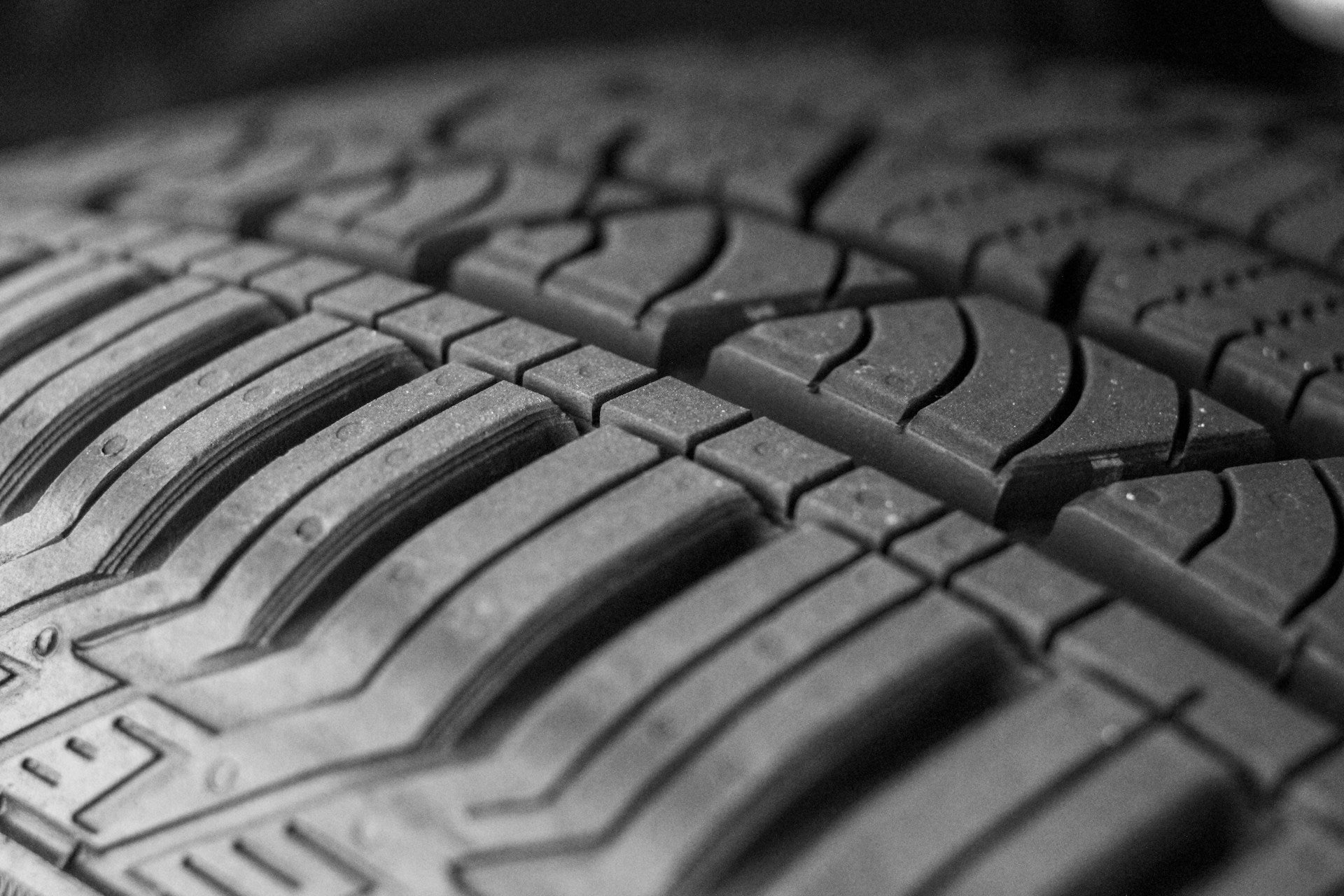
That steady roar on the freeway can wear you down. It can also make you wonder if something is failing. In many cases, the sound really is coming from the tires. Other times, a nearby rotating part creates noise that feels like tire noise. There are many possible causes of road noise, and we are here to help Houston drivers track down and fix what is causing it. more Common Causes of Loud Tire Noise Tire noise usually comes back to tread design, tire wear, or inflation. A wheel bearing, bent wheel, or worn suspension component can also mimic tire noise while driving. Road surface plays a role, too. Rough concrete can make the same tires sound much louder than smooth asphalt. To narrow down the cause of tire noise, note a few key details: The speed where the sound begins and how it changes as speed increases Whether the pitch changes on different road surfaces or after changing lanes If you feel vibration in the steering wheel, seat, or floor Whether the sound changes during a gentle turn If the noise starts suddenly and you notice a bulge or feel a strong shake, treat it as urgent. Have your tires checked at our Chevy service center in Pasadena. Worn or Uneven Tire Tread A common answer to the question, “Why are my tires making noise?” is uneven tread wear. Thin tread can get louder, but irregular wear is often the bigger issue. It creates repeating high and low spots that slap against the road. Many safety guidelines recommend replacing tires at 2/32 of an inch of tread depth. That is when the built-in wear bars become visible across the grooves. Uneven wear patterns that often create loud tires include cupping, feathering, and heel-and-toe wear. Cupping causes a rhythmic roar. Feathering can feel sharp in one direction when you run your hand across the tread blocks. Heel-and-toe wear can create a steady hum that rises with speed. Once a tire wears into a pattern, the noise may remain until the tire is replaced. Tire rotation can sometimes shift the noise and slow additional wear. Improper Tire Pressure Improper inflation is one of the most common tire noise causes we see in the shop. Underinflation can wear the outer shoulders, while overinflation wears the center of the tread. Both conditions create uneven tread blocks, and uneven blocks create more noise while driving. Check tire pressure at least once a month and before road trips. Always check it when the tires are cold, before driving. Inflate to the pressure listed on the driver-side door label, not the maximum pressure shown on the tire sidewall. If your tire pressure warning light comes on, check inflation soon. Driving on underinflated tires builds heat, and heat can damage a tire from the inside. Wheel Bearing Failure A worn wheel hub bearing can sound like a tire problem. It often presents as humming, rumbling, or growling and usually gets louder with speed. One helpful clue is how the sound reacts during a gentle turn. If the noise increases when you steer slightly left, the failing bearing is often on the right side because the load shifts across the suspension. Grinding noises while the vehicle is moving are a serious warning sign. If you hear grinding, schedule an inspection promptly. Bearing problems can worsen quickly and often hide behind loud tire noise. Wheel Alignment and Suspension Issues Alignment problems usually create noise after they cause abnormal wear. Toe and camber issues can scrub the tread, leading to edge wear and feathering. Over time, that wear can result in loud tire noise at steady highway speeds. Suspension wear can accelerate the process. Worn shocks or struts allow the tire to bounce, which can cause cupping. Cupping is especially loud. If you recently hit a pothole or curb and noticed a change in noise shortly afterward, it is smart to have both alignment and suspension checked. Tire Imbalance and Rotation Problems If the noise is accompanied by vibration, tire imbalance is a strong possibility. An out-of-balance tire and wheel assembly can wobble, creating a thumping sound that appears at certain speeds and eventually leads to louder tread wear. Regular rotation is your best defense against uneven wear. Many vehicles require tire rotation every 5,000 to 8,000 miles. Skipping rotations is a common cause of tire noise, even on newer tires. If the noise moves to a different corner of the vehicle after rotation, the tire or wheel position is likely involved. If it stays in the same location, bearings, hubs, or suspension components may be the issue. Tire Type and Quality Factors Sometimes nothing is actually broken. Some tires are simply louder due to their design. Aggressive tread patterns create more noise as air moves through the grooves and tread blocks strike the road. Off-road and all-terrain tires often growl on smooth highways. If you are asking what causes noisy tires when tread depth and inflation are both good, consider the tire category. Highway touring tires are typically quieter than traction-focused designs. Some tires also include sound-reducing materials inside the casing to help reduce cabin noise. People often ask what makes tires quiet. The answer is simple: even wear, a tread pattern designed for road use, and a compound that remains stable as it ages. Ask our team about tires that match your driving habits, not just a marketing label. If you're also thinking about a quieter ride in general, browse our new Chevrolet selection in the Houston area. If you decide it's time for something different, you can also check our used inventory near Houston. We'll help you get back to a calmer drive and a safer commute. Schedule Service at Monument Chevrolet If you are hearing loud tire noise while driving, our team can identify the cause and provide clear next steps. We inspect tread depth and wear patterns, check tire pressure, balance, and alignment, and listen for bearing noise during a road test. Our trained technicians work on Chevrolet vehicles every day, and we use genuine Chevrolet parts when new Chevy tires are needed. You can schedule your visit online at our service center to pick a time that works. If you want to describe the symptoms first, contact our team here. Photo by Yvette S on Unsplash

Big Waves Under Cloudy Sky

Where To Park a Car During a Hurricane in Houston

With our flat landscape and all those bayous, finding the right spot to park your car in Houston during a hurricane is vital. Our team at Monument Chevrolet in Pasadena has written this guide on how to protect your car during a hurricane to help you avoid costly repairs and keep mobile when the storm passes. more Contact Us Today Why Houston Is Particularly Vulnerable to Hurricane Damage Houston sits right in "Hurricane alley." The Gulf Coast location means it experiences a humid subtropical climate with significant rainfall from June through November. Houston's flat terrain makes it susceptible to flooding and dangerous flash floods. Texas leads the nation with 64,000 water-damaged vehicles, and Houston tops the list among America's 100 largest cities with 29,200 flood-damaged cars currently on our roads. Hurricane Harvey dropped over 50 inches of rain in some spots in 2017 and racked up $125 billion in damages. Hurricane Beryl knocked out power for 2.7 million households in July 2024. Then there's Tropical Storm Allison in 2001, which peaked at over 40 inches of rainfall and left 30,000 people homeless while flooding over 70,000 houses. Houston's drainage system includes over 4,000 miles of underground storm sewers, 2,800 miles of open roadside ditches, and more than 900 miles of channels running through bayous such as Buffalo, Brays, and White Oak. While this sounds impressive, it can get overwhelmed fast when a storm hits. The urban heat island effect can make storms more likely, while concrete everywhere means less natural drainage. Best Places To Park Your Car During a Houston Hurricane When thinking about how to protect a car during a hurricane, multi-level parking garages are a good option. Park on the third floor or higher if possible — you'll dodge both flood water and flying debris. The George R. Brown Convention Center is another solid choice, plus it takes pets during evacuations if you need shelter too. Look for higher ground within the city. Shopping centers with covered parking can work, but you'll need permission first and these spots disappear once warnings hit. Make sure you prepare properly for a hurricane. Fill up your gas tank the moment a storm enters the Gulf, test your battery if it's over 3 years old, and snap photos of your car before parking for insurance purposes. Take out valuables and important documents. If you've got a garage, secure the doors and windows, then park as deep inside as possible. Premium spots fill up quickly once hurricane warnings drop. Having backup options already mapped out saves you from scrambling later. A car cover adds extra debris protection. Plan early and act fast when forecasters start talking about a hurricane. What To Avoid: Worst Places To Park During Houston Hurricanes Avoid street parking during hurricanes, especially flood-prone intersections such as Greens Road at 45 N. Freeway, Washington Avenue at Hempstead, Memorial at Waugh Drive, Allen Parkway at Waugh Drive, and White Oak at Taylor. The Texas Medical Center area gets flooded, too. Stay away from 7000 Main St. and 7000 Fannin St. near Holcombe Boulevard. The underpasses at 100 Milam St., 1000 Houston Ave., 2900 Allen Parkway, and 4800 Memorial can be dangerous when they flood. Trees and power lines can turn into hazards when winds pick up. Hurricane Beryl's 100 mph gusts killed three people from falling trees right here in Houston. The 2024 storm left roofs damaged city-wide from tree falls. Don't park under big trees or near electrical stuff, construction sites, or anywhere loose materials might go flying. Ground-level spots near bayous or drainage channels are high risk for water damage. Some neighborhoods get hit worse than others. Meyerland sits along Brays Bayou and was hard hit during Hurricane Harvey — it's still risky today. The Memorial area near Buffalo Bayou saw major flooding during Harvey, too. East Houston communities such as Channelview, Cloverleaf, Jacinto City, and Galena Park stay extra vulnerable because of flat terrain and being close to the Houston Ship Channel. Avoid these areas entirely when hunting for safe parking. Houston-Specific Hurricane Parking Resources Houston's got emergency resources to help keep your car safe. Harris County Emergency Management (713-881-3100) updates you on safe parking areas. Houston Emergency Center (713-884-4500) coordinates a city-wide storm response, while East Houston ZIP codes have clear evacuation zones and notice times in the event of a hurricane. Private companies offer vehicle storage also. ADKOS handles vehicle storage and transportation with locations in Dallas, Austin, and El Paso — they've got both short- and long-term storage. The State of Texas Emergency Assistance Registry helps people with disabilities or special needs receive extra assistance during emergencies. Money matters as much as parking spots. Only 8% of Harris County residents feel "very well prepared" for disasters, according to Rice University's Kinder Institute survey. Most families need $3,000-$5,000 handy before insurance pays out. Document everything with photos, keep emergency contacts ready, and register with the Federal Emergency Management Agency (1-800-621-3362) right after damage happens. CenterPoint Energy (713-207-2222) handles power outage reports — you'll need working traffic signals and garage access for safe driving. Protect Your Vehicle and Stay Prepared With Professional Support Don't wait for hurricane warnings to think about car protection. Identify secure parking spots such as multi-level garages and high ground, and keep your vehicle in top shape for emergencies. Professional maintenance provides insurance against storm breakdowns. Book a thorough vehicle inspection and maintenance visit with our Chevy service center at Monument Chevrolet to get your vehicle storm-ready. Our experienced techs know Houston's weather challenges inside and out, offering battery testing, fluid checks, and emergency prep consultations that'll give you peace of mind when severe weather rolls into our community. Schedule Service Appointment Image by George Desipris is licensed with Pexels License

Silverado 1500 with Gatorback Mudflaps

Best Oil for the 2025 Chevrolet Silverado 1500

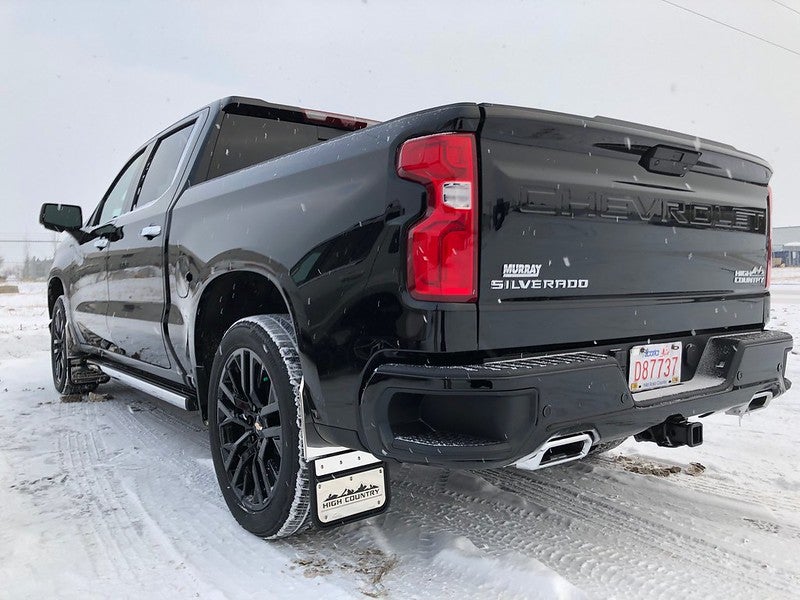
The right oil for your Chevrolet Silverado 1500 can mean the difference between a long-lasting, great-performing truck and one that has mechanical troubles down the road. The best way to determine what your truck needs is to talk to the experts. Our service professionals at Monument Chevrolet in Pasadena know your Silverado inside and out, and they can help make sure you always use the correct oil for your engine. more Get Oil Change Key Considerations When Selecting Motor Oil There are several things to consider when choosing which oil to put in your vehicle. Oil plays a key role in your Silverado's performance by keeping engine parts lubricated and reducing wear and tear. Before buying any oil, make sure to look at some important factors. Manufacturer Recommendations The best place to start when looking for motor oil is the manufacturer's recommendations. You can usually find these in the owner's manual. It'll specify the recommended brand, viscosity grade, and type of oil you should use. You can also look for this information on the oil filler cap, or you can call your local Chevrolet dealership and speak with a customer service rep. They'll know exactly what your Silverado 1500 needs. Climate and Driving Conditions You'll also need to take your local climate into consideration when choosing motor oil. If you drive in an area where it gets hot or a place where the temperatures drop, it's important to understand how these temperature fluctuations can affect your oil's viscosity. Viscosity refers to the thickness of the oil. High-viscosity oil is thicker, which means it flows more slowly. Low-viscosity oil is thinner, so it'll flow faster. When it's cold, oil becomes thicker, which means it doesn't flow through the engine components as readily, which makes the engine have to work harder. If your oil is too thick, it takes longer for your vehicle to warm up, making it less efficient. In comparison, when temperatures rise, oil becomes thinner and flows too quickly. If it goes through the engine components too fast, it won't lubricate them enough. Mileage and Age of the Vehicle As your Chevrolet Silverado 1500 gets older and the miles start to creep up, the engine has to work harder. High-mileage oil is made to help older vehicles perform better. It includes additives and seal enhancers to help reduce the chance of leaks by causing O-rings, seals, and gaskets to swell. Most high-mileage oils are designed for vehicles with over 75,000 miles on the odometer. Synthetic vs. Conventional Oil: Which Is Better for Your Silverado? There are generally two different types of motor oil: synthetic and conventional. It's important to know the difference between the two in order to determine which is right for your Chevrolet Silverado. Conventional Oil Conventional oil, also known as mineral oil, is made from petroleum products and has been the standard oil in the auto industry for years. Since it's made from crude oil, it may contain impurities that can affect viscosity over time. Synthetic Oil Synthetic oil is made from man-made chemicals and goes through a refining process to remove many of the contaminants. The refining process makes synthetic oil more consistent in terms of structure and size, so it's less likely to form sludge than conventional oil. Both conventional and synthetic oil have their benefits and drawbacks. Conventional oil is cheaper than synthetic, but it doesn't last as long. Meanwhile, synthetic oil offers better fuel efficiency, and overall repair costs may be lower. You can use conventional oil in your Silverado, but GM highly recommends synthetic oil to improve performance and overall wear and tear on the engine. Top-Rated Motor Oils for the 2025 Chevrolet Silverado 1500 GM recommends ACDelco Dexos1 full synthetic oil for the Chevrolet Silverado 1500. But the best oil for your Silverado depends on what engine you have under the hood and the age of your truck and engine. The following list of engines is a good place to start if you drive a late-model Silverado 1500: 2.7-liter turbo engine: SAE 5W-30 viscosity grade 3.0-liter Duramax turbo-diesel: SAE 0W-20 DexosD diesel engine oil 4.3-liter V-6 engine: SAE 5W-30 viscosity grade 5.3-liter V-8 engine: SAE 0W-20 viscosity grade 6.2-liter V-8 engine: SAE 0W-20 viscosity grade 6.6-liter V-8 engine: SAE 5W-30 viscosity grade The smaller 2.7-liter turbo engine requires a different grade of oil because its engine components operate under higher pressure. The diesel engine takes oil specifically designed for diesel engines. Importance of Regular Oil and Filter Replacements Regular oil changes and filter replacements are some of the most important things you can do for your Silverado. Keeping the oil clean ensures that it will lubricate the engine components and effectively prevent friction, which helps keep the engine from overheating. While synthetic oil is recommended for your Silverado, you can use conventional oil. The frequency of oil changes depends on the type of oil you have. If you choose conventional oil for your truck, you'll have to get the oil and filter changed every 3,000 to 5,000 miles. If you choose synthetic oil, get the oil changed every 7,500 miles. If you frequently tow heavy loads or drive over rough terrain, you'll want to change the oil more frequently. Schedule Chevy Service at Monument Chevrolet Now that you know more about engine oil and what your Chevrolet Silverado 1500 needs, it's time to schedule your next oil change at Monument Chevrolet. You can give us a call at 832-369-8298 or schedule your appointment using our online scheduling tool. Our service team is available to answer any questions you have about what oil your Silverado needs and help you decide what is best for your driving needs. Schedule Service Today Image by Truck Hardware is licensed by CC BY 2.0

Silverado battery

What Size Battery Does a Chevrolet Silverado 1500 Use?

If you've ever wondered what size battery your Chevrolet Silverado 1500 uses, you're not alone. This is a common question among truck owners who want to keep their vehicles running at peak performance. Knowing the proper battery size and type is vital when shopping for a battery replacement. But how do you know when it's time to get a new battery? Our team at Monument Chevrolet has put together this guide to everything about your Chevrolet Silverado battery, including some helpful maintenance tips. more Car Battery Replacement Understanding Your Chevrolet Silverado 1500's Battery Needs Chevrolet engineered the formidable Silverado 1500 pickup truck for strength and durability, and the correct battery plays a vital role in its performance. Whether you're driving a newer model or need a battery for a 2015 Chevrolet Silverado 1500, choosing the correct size and type is critical if you want your battery to meet all your truck's electrical and engine demands. The size of a Silverado battery can vary by engine type and trim level. More powerful engines, for example, require larger battery sizes, so check your owner's manual or existing battery label before investing in a new truck battery. Understanding your Chevrolet Silverado truck's battery needs will help you make the right decision and prevent you from being stranded. Common Battery Sizes for the Chevrolet Silverado 1500 The size of a battery for a Chevrolet Silverado 1500 depends on your truck's model year and engine type. The Battery Council International (BCI) categorizes batteries by group size, which refers to the battery's dimensions, terminal placement, and overall fit. BCI group sizes match your truck's model year, engine size, and trim level. While some Silverado models may allow for more than one size, it's always best to choose a battery designed for your Silverado to guarantee a proper fit and dependable performance. Key Battery Specifications Explained If you want to find the right battery size for your Chevrolet Silverado, it's a good idea to understand a few key specifications. These include cold-cranking amps, which measure how well your battery starts the engine in cold weather, and reserve capacity, which shows how long it can power essential systems if the alternator fails. Your Silverado 1500's battery needs can vary between model years and trims, so check size and power ratings. With this information, you should be able to find a suitable battery at a good price. Types of Batteries Suitable for the Chevrolet Silverado 1500 Batteries for the Chevrolet Silverado 1500 fall into two major categories: flooded lead-acid and absorbent glass mat (AGM). Flooded batteries require more regular maintenance than AGM batteries and are less robust in cold weather. If you're wondering which is the best battery for your Silverado 1500, consult your manual or visit our service department for expert help and installation. How To Determine Your Silverado's Battery by Year Your Silverado's battery specifications depend on the engine size, trim level, and production year. Most Silverado 1500 trucks use a Group 48 (H6) or Group 94R (H7) battery, both known for strong cold-cranking amps and solid reserve capacity. However, you should always double-check your owner's manual or current battery label before buying. The simplest way to determine your Silverado's battery by year is to identify the age or year of production of your Silverado's current battery. You can start by locating the date code and serial number found on a label or etched into its case. For example, on Odyssey batteries, the first 12 digits of the serial number is printed directly on the top or side of the battery case. The last four numbers tell you the manufacturing date, with the last two digits representing the year and the second last two numbers representing the month in which the battery was made. For example, if the first 12 numbers are 0755-2020-0220 and the last four digits are G94R, the last four numbers represent the month and year and the 94R informs you of the type based on its cold-cranking amps. In this example, the battery was manufactured in the second month of 2020, where 02 represents February and 20 represents the year 2020 and its a 94R (H7( battery type. Older models, typically use H7 batteries and newer models require H6. Reading the date and battery-type code helps you figure out how old your battery is, what type to replace it with, and whether it's still under warranty or due for a replacement. Tips for Maintaining Your Chevrolet Silverado Battery Here are some tips for keeping your truck's battery in peak condition: Clean terminals: Remove corrosion with a battery cleaner and a wire brush. Keep cables tied: Unsecured cables can prevent your battery from charging. Drive your vehicle regularly: Frequent short trips or long periods of inactivity can cause your battery to lose its charge. Check your battery's voltage: Use a multimeter to check battery performance at least once a quarter. Check for signs of wear: Inspect your truck's battery for failing electronics. Signs Your Chevrolet Silverado 1500 Needs a Battery Replacement Here are a few signs your Silverado needs an inspection or a new battery: Slow engine start: If your Silverado 1500 is slow to start, your battery needs inspection. Sluggish electronics: Flickering or weak lights and slow-starting accessories signal a failing battery. Clicking sound when starting: A rapid clicking when starting your truck's engine indicates a weak battery. Dashboard warning light: The battery warning light may come on if your Silverado battery charge is insufficient. Visible damage: A swollen battery case or corrosion on the terminals is a sign that your battery replacement is overdue. Battery age: If the battery in your Silverado 1500 is over five years old, it needs replacement. The average lifespan of a Chevrolet battery is three to five years. Visit Monument Chevrolet in Pasadena for Your Silverado Battery Power up for less at Monument Chevrolet in Pasadena, Texas, and shop for high-quality Chevrolet Silverado 1500 batteries without the premium price. If you need a reliable Silverado battery replacement or want to have your battery inspected, our Chevy service center is here to help. Our friendly team is ready to assist you with the correct battery type and size, and our skilled technicians offer a professional installation service. Contact us or visit our dealership to schedule a service appointment for top-quality battery replacements that won't cost a fortune. Schedule Service Image by Towfiqu barbhuiya is licensed with Pexels License

Apple CarPlay in a Chevy vehicle

What To Do When Chevy Apple CarPlay Is Not Working

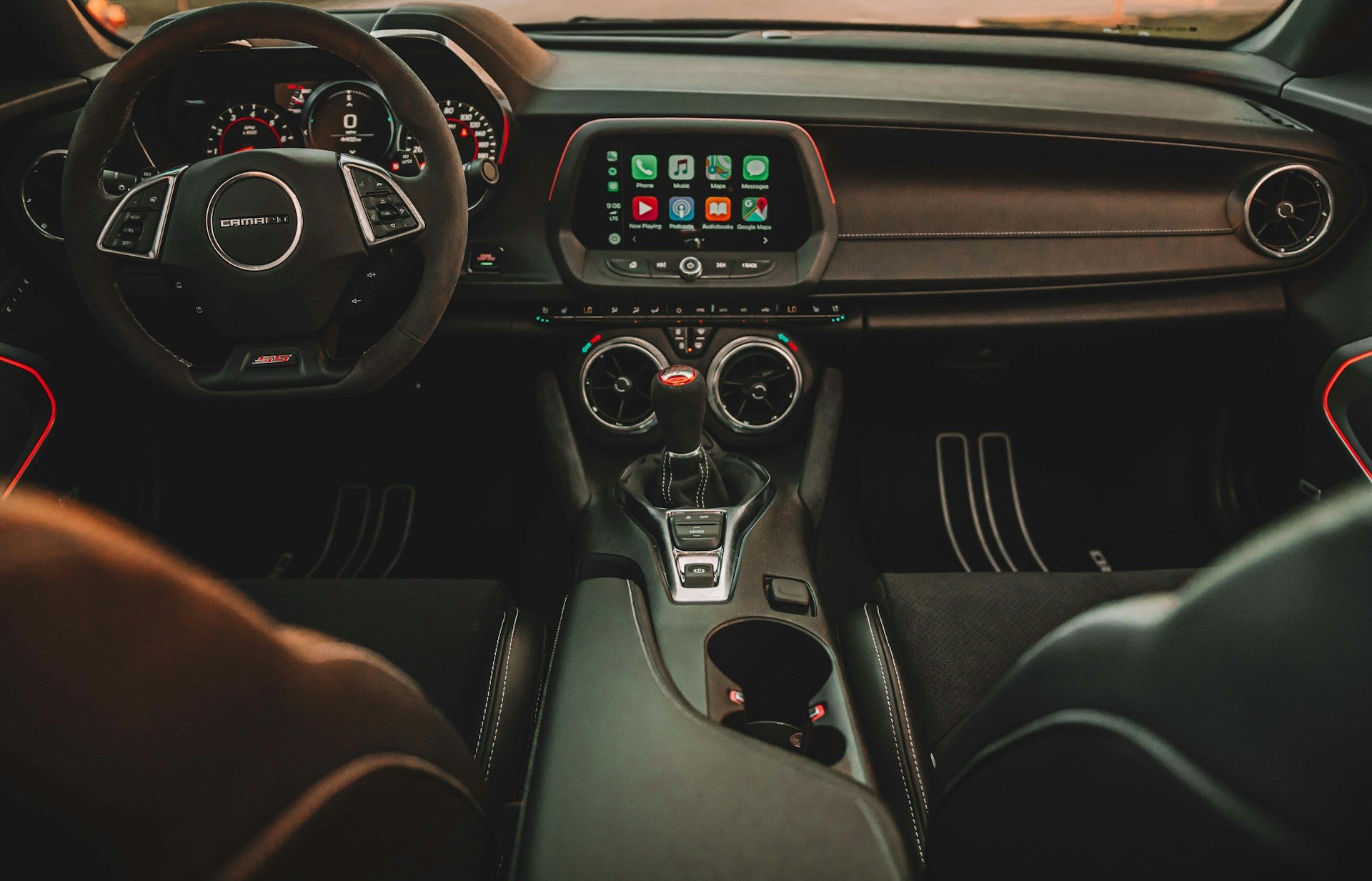
Apple CarPlay has become an essential feature for seamless integration between your iPhone and your vehicle's infotainment system. When CarPlay stops working in your Chevy, it can disrupt your ability to safely access navigation, music, messages, and other important features while driving. Before attempting troubleshooting steps, you should verify that your device meets the basic requirements. CarPlay is compatible with iPhone 5 or later models, while 2024 Chevrolet models require iOS 14 or later for both wired and wireless connections. If you're still struggling after reading our guide, please feel free to schedule a service appointment at our Chevy service center in the Houston area. more Diagnosing Apple CarPlay Issues in Your Chevy Ensuring That CarPlay Is Enabled in Your Chevy's Settings The first step in resolving CarPlay connection problems is checking if the feature is properly enabled in both your vehicle and phone settings. On your iPhone, go to Settings, find General, and then select CarPlay to verify the connection settings. Navigate to the settings menu in your Chevy's infotainment system and look for the smartphone connection or CarPlay settings to confirm that it's activated. Verifying That Bluetooth and Wi-Fi Connectivity Are Active and Functioning For wireless CarPlay to work correctly, both Bluetooth and Wi-Fi need to be enabled on your iPhone. Check your iPhone's settings by going to Settings, find Bluetooth and Settings, and then select Wi-Fi to make sure both are turned on. If you're having connection issues, try toggling both settings off and back on to refresh the connections. For wireless connections specifically, open your iPhone's Settings app, tap Bluetooth, and ensure it's turned on. Then, navigate to Settings and select Wi-Fi to verify that it's enabled. Confirming That CarPlay Is Allowed While the Phone Is Locked A common but often overlooked setting that can prevent CarPlay from working is the Allow CarPlay While Locked option. To check this, go to Settings, tap General, and then CarPlay on your iPhone. Select your car from the available connections list and make sure the toggle for Allow CarPlay While Locked is enabled. Inspecting the USB Cable for Damage or Incompatibility The quality and condition of your USB cable can significantly impact the performance of your wired CarPlay connections. Many users have reported cable failures within three to four weeks of use, leading to intermittent connections or complete failure. Inspect your cable for visible damage and try using an Apple-certified cable if you're experiencing connectivity issues. You can also test different USB cables and ports in your Chevy since some may work better than others. Troubleshooting Steps for Chevy Apple CarPlay There are various ways to troubleshoot and fix the identified issues: Restarting Your iPhone and Chevy's Infotainment System A simple restart of both devices can often resolve connection issues. For iPhones without a Home Button, press and hold the volume up and power buttons until the Power Off slider appears. For models with a Home Button, hold the Side Button until you see the same slider. Navigate to the settings panel in your Chevy's infotainment system and look for the restart or reboot option. Re-Establishing a CarPlay Connection From Scratch If you're still experiencing issues, try removing and re-establishing the CarPlay connection. On your iPhone, go to Settings, tap General, and then select CarPlay, find your car's name under My Cars, and select Forget This Car. This completely removes the existing connection, allowing you to set up CarPlay as if it were the first time. Reconnect your iPhone to your Chevy's infotainment system to establish a fresh connection. Turning Off USB Restricted Mode on Your iPhone USB Restricted Mode is a security feature that can interfere with CarPlay functionality. To disable this feature, go to Settings, find Face ID & Passcode — or Touch ID & Passcode on older models — and enable the USB Accessories option. This allows CarPlay to maintain a connection even when your phone has been locked for more than an hour. Updating Your iPhone's iOS to the Latest Version Software updates often include fixes for CarPlay-related issues. Check for iOS updates by going to Settings, General, and Software Update on your iPhone. This is particularly important for 2024 Chevrolet models, which require iOS 14 or later versions for CarPlay functionality. Ensure that your CarPlay stereo is using the latest firmware from the car manufacturer by checking your owner's manual for specific update instructions. Resetting Your Car's Network Settings You may need to reset the network settings of your Chevy's infotainment system to resolve persistent CarPlay issues. Check your owner's manual for specific instructions on accessing and resetting network settings since the process can vary between different Chevrolet models and infotainment system versions. Advanced Solutions and Alternatives If CarPlay isn't working after you've tried all the troubleshooting steps, it's time to seek professional help. Our certified service experts at Monument Chevrolet in Pasadena, Texas, specialize in diagnosing and fixing technology-related issues in Chevrolet vehicles. Our service center offers comprehensive vehicle assessments and multipoint vehicle inspections to identify and resolve any underlying issues affecting your CarPlay functionality. You can reach our service department at 832-369-8298 to schedule an appointment or contact us online. Ensure a Smooth CarPlay Experience in Your Chevy Most CarPlay issues can be resolved through these troubleshooting steps. Regularly updating both your iPhone's iOS and your Chevy's infotainment system will help prevent many common problems. For technical issues beyond these solutions, our certified Chevy service center at Monument Chevrolet in Pasadena, Texas, is ready to help restore your Chevy's CarPlay functionality or assist with any other concerns about your vehicle. Contact us today to schedule an appointment. Photo by Yuvraj Singh on Unsplash

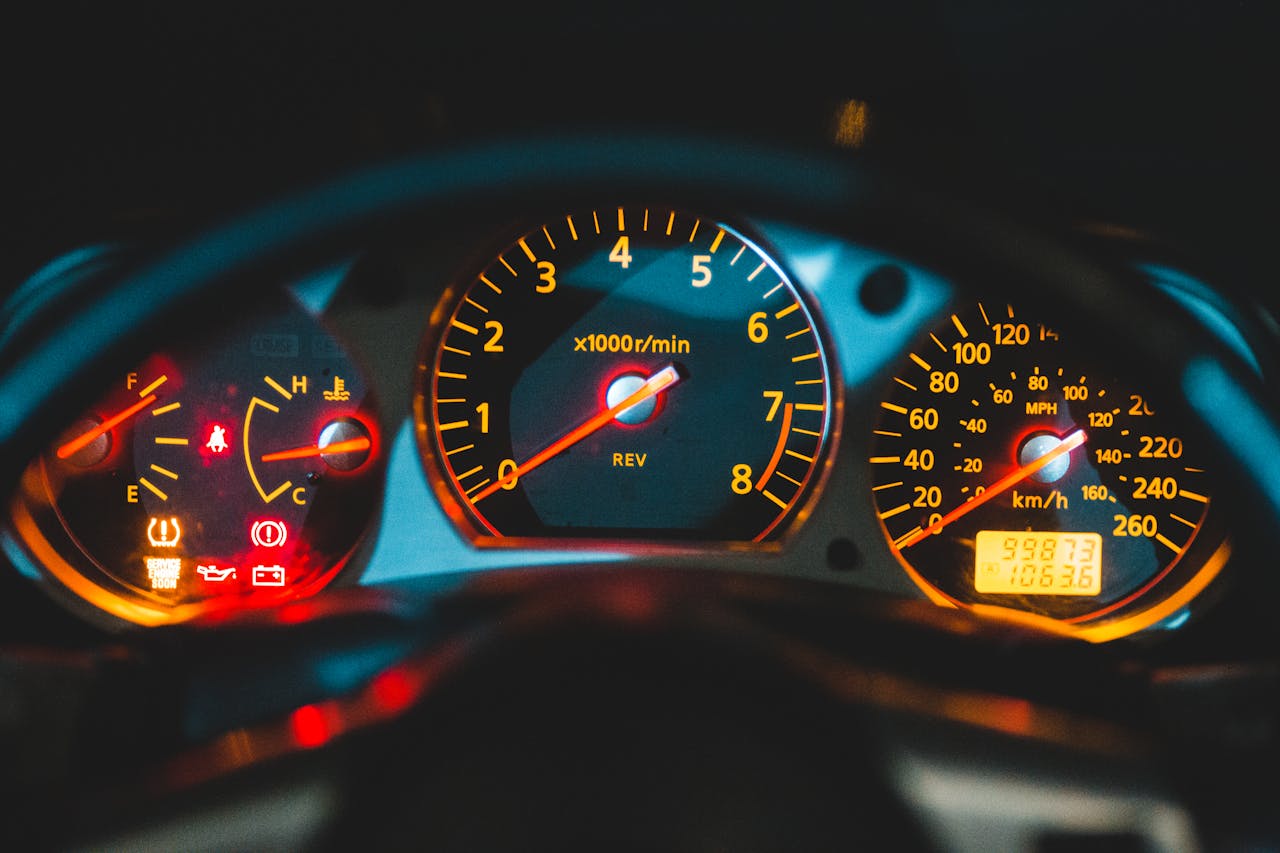
Brake light on the dashboard behind the steering wheel of a car

Why Is My Brake Light On?

Seeing your brake light illuminated on the dashboard can be alarming. Your brake system is one of the most crucial components of your vehicle, directly affecting your safety and the safety of others on the road. So, whether you're an experienced driver in Pasadena or relatively new to the road, it's essential to understand what this warning light means and how to address it. Read on to discover why your brake light might be on, what it means when it flickers, and how to fix this issue before it becomes a considerable safety risk. more Brake Replacement What Causes the Brake Light on the Dash To Stay On? The brake light on your dashboard is part of your vehicle's warning system, designed to alert you to potential issues with your braking system. When this light stays on, it often indicates that something isn't functioning as it should. Low hydraulic fluid is a common reason why your brake light might come on. If you notice that your brake warning light comes on when you press the brake pedal, your brake fluid is likely extremely low in the master cylinder. The brake master cylinder contains a sensor that monitors the brake fluid level. When the fluid level falls below optimal, this sensor activates the warning light to alert you that the hydraulic system requires urgent attention. Low brake fluid levels are a serious concern you should never take lightly. They interfere with your brakes' ability to function correctly, which can be hazardous to yourself, your passengers, and other road users when your vehicle is in motion. Your vehicle's brake light may also turn on if your parking brake is engaged. Most vehicles today have a built-in sensor that monitors whether the parking brake is activated. Even if the parking brake is slightly engaged, it can still trigger the brake light to switch on. While driving with your parking brake engaged might not seem like a big deal, it can cause significant damage to your brakes. Doing so creates excess friction, which can cause the brakes to overheat and the brake pads to wear and tear. Another reason your brake light may suddenly switch on is a malfunction in the anti-lock braking system (ABS). In many vehicles, the brake light is connected to the ABS. If there's an issue with the ABS, such as a malfunctioning sensor or a problem with the ABS module, the brake light can illuminate. Why Is My Brake Light Flashing? A flashing brake light is usually more urgent than a brake light that stays on continuously. It gets your attention and warns you of potentially severe problems with your braking system. In some vehicles, the brake light will flash if the brake fluid level is critically low. This is an urgent warning to top up your brake fluid or check for leaks. As mentioned before, driving with low brake fluid can lead to brake failure. So, if you suspect your brake warning light is flickering due to low fluid levels, you should refrain from driving your vehicle until you address this issue. Another common reason your brake lights may flicker is a failure or malfunction in the ABS. In cases like these, the flickering of the brake lights may be accompanied by other warning lights, such as the ABS light or the traction control light. If this happens, you must have your vehicle inspected immediately, as driving without a properly functioning ABS can be dangerous. Likewise, your brake lights might start to flicker to alert you if you accidentally engage the emergency brakes when driving. Doing so can cause severe damage to your brakes if not addressed immediately, so be sure to release the emergency brake as soon as possible. Drawing from our extensive experience at Monument Chevrolet, we've seen what happens when warning signs are left to fester. Minor issues turn into big, costly fixes. We strongly suggest you bring your automobile for a comprehensive check when you see odd cautionary signal patterns. Our service team is excellent at finding the precise cause of flashing brake lights and performing the necessary fixes to keep you safe on the road. How to Turn Off the Brake Light on Your Dashboard There are several fixes you can perform to troubleshoot a flickering brake light or turn it off. The first thing you should do once you notice that your brake light is on is check your parking brakes. If they are engaged, releasing them might fix the issue and turn off your brake warning lights. If your brake lights stay on even after you've disengaged the parking brakes, check the brake fluid level in the braking system. If the brake fluid level is low, carefully add the appropriate type of brake fluid to the reservoir. Be sure to follow the manufacturer's guidelines for the correct fluid type. Once topped off, the brake light should turn off. If it doesn't, there may be a leak or another issue that needs to be addressed by a knowledgeable mechanic. If you've fully disengaged the parking brakes and there doesn't seem to be a leak in your vehicle's hydraulic system, the issue is likely in the ABS. Resetting your ABS might fix the problem. You can do so by disconnecting the battery for a few minutes and then reconnecting it. Even so, it's always best to consult your vehicle's manual or a professional mechanic for the proper procedure. It's worth noting that flashing brake lights can indicate more severe issues beyond those discussed here. Therefore,  if your brake warning light continues to stay on or flicker after you've attempted all the fixes, consider getting it checked by a professional. Ensure Your Safety with Monument Chevrolet If that brake warning light on your dashboard catches your eye, remember it's not just a diminutive glow but a crucial signal for your road safety. Our skilled technicians our Chevy service center in Pasadena, Texas, are ready to identify and rectify any problems with your brake system. We choose ACDelco Gold or GM original equipment parts because they're made specifically for your vehicle, ensuring optimal performance and durability. Schedule a service appointment with us today, and our expert team will promptly address any issues to get you back on the roads of Houston in no time. Or if you're in the market for used suvs for sale, we've got you covered as well! Schedule Service Appointment Image by Erik Mclean is licensed with Pexels License

how-to-put-air-in-a-tire

How To Put Air in a Tire: A Step-By-Step Guide

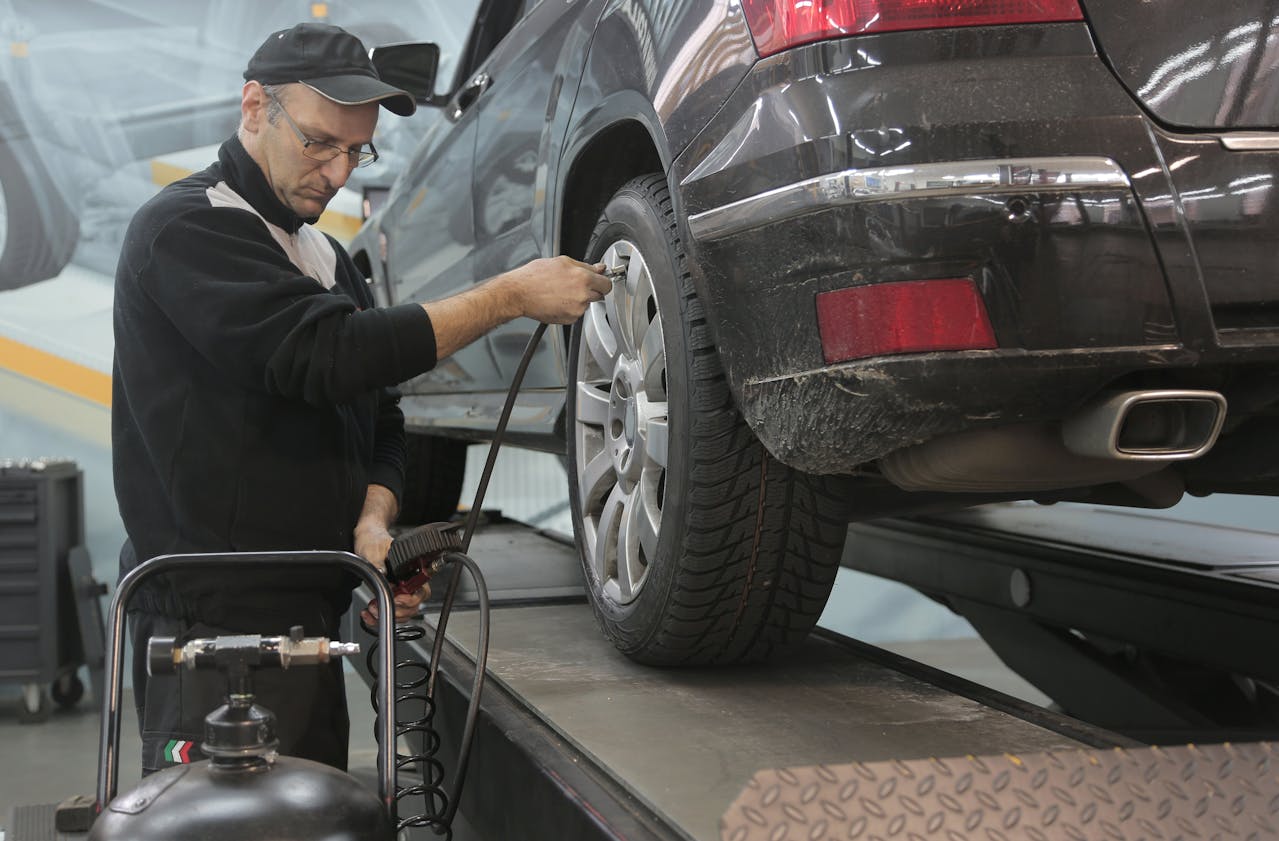
Maintaining proper tire pressure is crucial for your vehicle's performance and safety. Properly inflating your tires extends their life span and improves fuel efficiency and handling. Neglecting tire maintenance can lead to various issues, from poor vehicle control to increased fuel consumption. At Monument Chevrolet in Pasadena, Texas, we understand the importance of tire maintenance, and we're here to guide you through the process of putting air in your tires. Follow our step-by-step guide to ensure your Chevy tires are in top shape. more Why Proper Tire Pressure Matters Proper tire pressure ensures that your vehicle handles well on the road. Underinflated tires can cause sluggish handling and increase the risk of accidents. Overinflated tires can make your ride uncomfortable and reduce traction, especially in wet conditions. According to the National Highway Traffic Safety Administration, underinflated tires are three times more likely to cause a crash compared to properly inflated tires. Fuel efficiency is another critical factor that's impacted by tire pressure. Tires with low pressure create more rolling resistance, which means your engine has to work harder to move the vehicle. This increased effort results in higher fuel consumption. The U.S. Department of Energy states that keeping your tires inflated to the proper pressure can improve your gas mileage by up to 3.3%. This simple maintenance task can save you money at the pump over time. The correct tire pressure extends the life of your tires. Underinflated tires wear out more quickly on the edges, while overinflated tires wear out faster in the center. Both scenarios lead to uneven wear and tear, reducing the overall life span of your tires. By maintaining the recommended tire pressure, you ensure even tread wear, which translates to fewer tire replacements and cost savings in the long run. How To Check Tire Pressure Before you can add air to your tires, you need to check the current tire pressure. Here's a detailed guide on how to do it accurately: Check tires when cold: Tire pressure should be checked when the tires are cold, preferably in the morning before you've driven much. Driving heats the tires and can give a false high reading. Use a tire pressure gauge: Digital gauges are generally the most accurate and easiest to use. Find the recommended pressure: Locate the manufacturer's recommended tire pressure. This information can be found in the vehicle's owner's manual or on a sticker inside the driver's door. It's essential to follow these guidelines for optimal performance. Remove the valve cap: Unscrew the valve cap from one of your tires. Place it somewhere safe, as you'll need to screw it back on later. Press the gauge onto the valve stem: Firmly press the tire pressure gauge onto the valve stem. Make sure there's no hissing sound of air escaping; this indicates a good seal. Read the pressure: Read the gauge to see the current tire pressure. Compare this reading to the recommended pressure from your vehicle's manual. Repeat for all tires: Repeat this process for all four tires, and don't forget to check the spare tire as well. How Much Air To Put in a Tire Finding the right tire pressure for your vehicle is crucial for safe, efficient operation. It's typically measured in pounds per square inch (psi), and you can locate the manufacturer's recommended tire pressure in your owner's manual or on a sticker inside the driver's door. It's important to follow these recommendations as different vehicles require different tire pressures. For instance, a compact car may need 32 psi, while a larger SUV can require 35 psi. It's essential to adhere to the manufacturer's guidelines rather than relying on the maximum pressure listed on the tire itself, as this only indicates the highest pressure the tire can safely withstand. Step-By-Step Guide To Adding Air to Your Tires Here's a clear, step-by-step guide to help you add air to your tires: Locate the air valve: The air valve is a small rubber or metal stem on the edge of your tire. It's where you'll attach the air pump to inflate the tire. Prepare the air pump: If you're using an air compressor at a gas station, park close enough so the hose can reach all four tires. If you're using a portable air pump, make sure it's charged or plugged in. Remove the valve cap: Unscrew the valve cap from the tire's air valve. Keep it in a safe place, as you'll need to put it back on once you're done. Attach the pump: Attach the air pump to the valve stem, and press firmly to ensure no air escapes. Most air pumps have a lever to lock the nozzle onto the valve stem. Add air: Turn on the air pump and begin adding air to the tire, making sure to keep an eye on the gauge. If you're using a gas station pump, you might need to hold the lever down. Check the pressure: Stop adding air periodically to check the pressure so as not to overinflate the tire. If you accidentally add too much air, you can release some by pressing the pin inside the valve stem with the back of the valve cap or gauge. Replace the valve cap: Once the tire is at the correct pressure, remove the pump and quickly screw the valve cap back onto the valve stem. Repeat these steps for each tire. When To Check and Refill Tire Pressure It's vital to routinely check your tire pressure and add air for optimal performance. We suggest conducting monthly checks, inspecting before long trips, and giving extra attention during seasonal changes. Since tire pressure can be affected by temperature and driving conditions, it's important to stay vigilant, especially if you frequently drive on rough terrain. By carefully inspecting and maintaining the proper tire pressure, you can prevent potential issues and ensure your vehicle runs smoothly. Keep Your Tires in Top Shape With Monument Chevrolet Regular tire maintenance is vital for your vehicle's safety and performance. By following these guidelines, you can ensure your tires are always at the correct pressure. At Monument Chevrolet, we're here to help with all your tire needs. Visit our dealership in Pasadena, Texas, for professional tire services and inspections. Schedule an appointment or contact us today to see how we can help keep your vehicle running smoothly. Schedule Service Appointment Serious car mechanic pumping up car wheel in modern service garage by Andrea Piacquadio is licensed with Pexels License

fuel injection system service pasadena tx

What is a Fuel System Service?

There are a number of maintenance tasks you need to perform as a vehicle owner in Pasadena to keep your car running smoothly. One important task that’s often overlooked is a fuel system service. Below, we’ll explain what a fuel system service contains, the benefits of scheduling this service, and some common signs that it’s time for a fuel system service. more Schedule Service What Is a Fuel System Service? A fuel system service typically includes two major components. These are: Fuel System Cleaning The first part of a fuel system service is a cleaning of the system. As you drive your vehicle, the fuel can leave behind residue. Even the best fuel leaves behind deposits, which then accumulate over time. A fuel system cleaning involves clearing these deposits out of the fuel system, usually through a chemical cleaning. These chemicals break down the deposits, after which the flushing of the system removes them. Replacing Worn Parts In addition to cleaning out the system, a fuel system service will also include inspecting the parts of the fuel system to ensure they’re in good condition. If the service technician detects worn parts, they recommend replacing them. Some possible worn parts can include the fuel pump, the fuel injectors, or the fuel filters. It’s recommended that you replace your fuel filters every 30,000 miles, while the fuel pump and fuel injectors don’t typically need to be replaced as often. During the fuel system service, the service technician will then remove the old parts and replace them with new OEM parts that are specifically designed for your vehicle. What Are the Benefits of a Fuel System Service? There are a few benefits that come with getting a fuel system service. These benefits include: Better Engine Performance For starters, a clean fuel system results in better engine performance. Your engine relies on clean fuel to operate correctly. Through a fuel system service, you can ensure there are no deposits or other debris clogging up your fuel. If you want to get the best possible performance from your engine, clean fuel is a necessity, which means occasionally clearing out your fuel system and replacing any worn parts. Better Fuel Efficiency Another benefit of a fuel system service is better efficiency. When your engine has to work harder to produce combustion, this results in using more fuel. You’re then using more fuel to drive the same distances you once did. Spending money on fuel is a large enough expense as it is without increasing it due to poor fuel efficiency. To save money at the gas pump, you need your engine at peak performance, which requires the occasional fuel system cleaning. Better Engine Health Finally, a fuel system service helps to protect the long-term health of your engine. Engine repairs are some of the most costly that you can experience while owning a vehicle. It’s best to avoid these through services like oil changes and fuel system services. A fuel system service can help protect against mechanical damage, which makes it less likely that you’ll need to get repairs. Save yourself some headaches and money in the future by getting a regular fuel system service. Signs You Need a Fuel System Service If you’re unsure of if you need a fuel system service or not, there are a few signs that you can look for, including: Poor Engine Performance Engine performance is directly tied to the health of your fuel system. You may start to notice slow acceleration or even trouble starting the vehicle if your fuel system needs a good cleaning. If you think that your engine isn’t performing as well as it once did, it’s a good idea to bring your vehicle in for an inspection to see if a simple fuel system cleaning could return your vehicle to normal. Lower Fuel Efficiency Many new vehicles display information about the current fuel efficiency. Compare your vehicle’s current expected MPG and see how it compares to either the fuel efficiency you received when you first started driving the vehicle or the expected MPG stated in the owner’s manual. If your current fuel efficiency is lower than expected, a dirty fuel system could be the reason. Rough Idling A common sign that you need a fuel system service is rough idling. As your vehicle is idling, you shouldn’t notice any significant vibrations. If you do, there could be several reasons for this, one of which is dirty fuel. Unless you recently added gas with a higher-than-normal impurity level, your fuel is likely picking up contaminants from the fuel system itself. Check Engine Light Illuminated Finally, if your check engine light turns on, this could be the result of a fault in your fuel system. Many things can turn this light on and it’s important to determine the cause as soon as you can. Bring your vehicle to a trusted service station to learn if a problem with your fuel system is the cause of your check engine light turning on. Schedule a Fuel System Service in the Greater Houston Area Today The next time you need a fuel system service in Pasadena, turn to Monument Chevrolet. Our Chevy service center can perform a wide range of maintenance and repair jobs, including cleaning out your fuel system and replacing any worn parts. Our team will thoroughly inspect your fuel system to ensure it’s in the best possible condition before you get back on the road. To get started, please schedule a service appointment online or call us at (713) 580-1562 today with any questions. Schedule Service Today Image Credits: Image by Dawn McDonald is licensed with Unsplash License

4 Chevy Maintenance Tips Every Owner Can Use

Chevrolets are great cars built to last. But like all vehicles, your Chevy is going to require some maintenance. If you want to keep your Chevy for a long time, then don't neglect these Chevy maintenance tips. more 1. Wash Your Car Regularly Washing your car might seem like a purely aesthetic thing at first, but there's more to it than that. Not only does a dirty car look bad, but dirt and grime can build up on your car and affect its performance. Road salt, mud, rain, and other elements can chip away at the paint, and may even negatively affect your car's undercarriage. You should be washing your car every two weeks, but if you can swing it more often then that's even better. And, of course, if your car gets particularly dirty then don't wait for that two-week mark to come up. Wash it right away! 2. Check and Refill Your Car's Fluids Your vehicle runs with the help of several fluids. If you want your car to keep running properly, then it's important to check these fluids frequently and refill them when needed. You'll need to look at your engine oil, transmission fluid, brake fluid, power steering fluid, and coolant. If you notice any of them are low, then fill them up right away. Always be on the lookout for any leaks or discoloration, since those are things you'll need to address right away before they get worse. 3. Check Your Tire Pressure As a general guideline, you should be checking the pressure of your tires about once a month. It's best practice to check them first thing in the morning or if your car has been parked for at least a few hours. This is because if your tires are warm, your reading won't be as accurate. Checking your tires regularly will tell you when it's time to refill them and make sure that you get the most out of your gas mileage. Keep a tire pressure gauge handy in your car at all times so you can check whenever you need to. 4. Head to Your Dealership for Service and Maintenance Your car should be serviced on a regular schedule. Your owner's manual will help you determine what that schedule is. If it's time to bring your car in for servicing, or it needs a couple of repairs, you could visit an independent mechanic. But it's best to go straight to your Chevy dealership. The mechanics at your local dealership are experts in your brand of vehicle and know exactly what your car needs. Plus, with their trained eyes the mechanics will be able to tell you if they notice something else your car requires while you're there. If you want to keep your Chevy in tip-top shape, then following these maintenance tips is essential. Are you and your vehicle ready for some maintenance? Visit Monument Chevrolet today to talk to the experts!

Contact Us

Fill out this form below and we'll contact you shortly
*Required Fields